
Media Storage Plan — Backblaze B2 + Cloudflare CDN + NAS
Status: Approved in principle — ready for step-by-step execution
Date: 2026-03-27
Decisions made: B2 (not R2), private bucket, media.baseworks.com subdomain, NAS as local workspace, Google Drive stays as Andrew’s handoff
The Problem
Section titled “The Problem”Images and media files stored in the Obsidian vault git repo cause:
- Build failures — KB site sync copies markdown but not vault assets. Image references crash the Astro build (this is what has been breaking deploys repeatedly).
- Git bloat — 125 image files (138 MB) committed.
.git/is 205 MB. Slows clone/pull/push across all machines. - No scalability — Video, high-res photos, and growing campaign assets will compound the problem.
The Solution
Section titled “The Solution”Backblaze B2 stores all media in a dedicated bucket (baseworks-media). Cloudflare CDN sits in front via a CNAME (media.baseworks.com), caching files at edge POPs worldwide with zero egress cost (Bandwidth Alliance partnership). Synology NAS serves as local workspace for browsing, sorting, and processing photos before upload.
Key facts:
- B2 stores its own independent copy. If the NAS goes offline, images are still served from B2/Cloudflare. No dependency on home internet.
- Cloudflare caches at edge POPs worldwide. Images load fast everywhere, same as any website asset.
- Bucket is private by default. Files are not publicly listable. Access is controlled via Cloudflare caching rules — specific paths made accessible when campaigns go live.
- Cost at 100 GB: ~$0.54/month storage. Egress: $0 via Cloudflare.
URL Structure
Section titled “URL Structure”https://media.baseworks.com/{category}/{campaign-or-topic}/{filename}Examples:
media.baseworks.com/campaigns/2026-03-winter-study-group-recap/baseworks-patrick-oancia-instructing-group.webpmedia.baseworks.com/campaigns/2026-03-winter-study-group-recap/baseworks-patrick-oancia-instructing-group.jpgmedia.baseworks.com/blog-articles/proprioceptive-awareness/dcml-pathway-diagram.pngmedia.baseworks.com/brand/baseworks-logo-dark.svgmedia.baseworks.com/study-groups/2026-winter-montreal/session-7-group-photo.webpThe URL mirrors the folder structure in B2 and on the NAS. If you know the folder and filename, you know the URL.
Architecture
Section titled “Architecture”Where things live
Section titled “Where things live”| Location | Role | What’s stored |
|---|---|---|
| Google Drive (shared link) | Andrew’s drop point | Raw photos from photographer. Temporary — pulled down and deleted after processing. |
Synology NAS /volume1/baseworks/media/ | Local workspace + archive | Originals (full-res JPEGs), processed versions (WebP + JPEG). Browseable via Finder/SMB. |
Backblaze B2 baseworks-media bucket | Cloud storage + CDN origin | Processed versions (WebP + JPEG). Served via Cloudflare. Durable, independent of NAS. |
| Obsidian vault | Media manifests (markdown only) | No binary files. Campaign assets notes with image URLs, descriptions, and metadata. |
Flow: photos arrive to public URL
Section titled “Flow: photos arrive to public URL”Andrew → Google Drive → Patrick's Mac / NAS │ /compress-photos (WebP 80-85% + JPEG 90%) │ upload script → B2 bucket │ Cloudflare CDN (media.baseworks.com) │ URLs used in Obsidian, KB site, newsletters, social, baseworks.comMultiple formats
Section titled “Multiple formats”Different destinations need different formats. Both are stored in B2 side by side:
| Destination | Format | Quality | Notes |
|---|---|---|---|
| baseworks.com / KB site | WebP | 80-85% | Smallest, all modern browsers |
| Newsletter (email) | JPEG | 85% | Some email clients don’t support WebP |
| Instagram / Facebook | JPEG | 90-95% | Platforms re-compress, so start higher |
| LinkedIn articles | JPEG or WebP | 85-90% | Accepts both |
| Archive / print | Original JPEG | 100% | Stays on NAS only |
NAS folder structure
Section titled “NAS folder structure”/volume1/baseworks/media/├── campaigns/│ ├── 2026-03-winter-study-group-recap/│ │ ├── originals/ ← raw JPEGs from Andrew (archive only, not uploaded to B2)│ │ ├── *.webp ← web-optimized (uploaded to B2)│ │ └── *.jpg ← high-quality JPEG for email/social (uploaded to B2)│ └── ...├── blog-articles/├── study-groups/├── brand/ ← logos, icons, recurring assets└── incoming/ ← unsorted drop zoneHow Media Appears in Obsidian
Section titled “How Media Appears in Obsidian”No binary image files in the vault. Instead, each campaign (or asset collection) gets a media manifest — a markdown file listing all images with URLs, descriptions, and metadata:
02-areas/communications/campaigns/2026-03-winter-study-group-campaign/├── 2026-03-winter-study-group-campaign.md ← campaign note├── 2026-03-winter-study-group-recap-social.md ← social copy└── 2026-03-winter-study-group-recap-assets.md ← media manifestWhen you open the media manifest in Obsidian, images render inline (loaded from media.baseworks.com). Example content:
# Winter 2026 Study Group Recap — Media Assets
NAS source: `/volume1/baseworks/media/campaigns/2026-03-winter-study-group-recap/`CDN base: `https://media.baseworks.com/campaigns/2026-03-winter-study-group-recap/`
## Group Instruction


## Individual Feedback
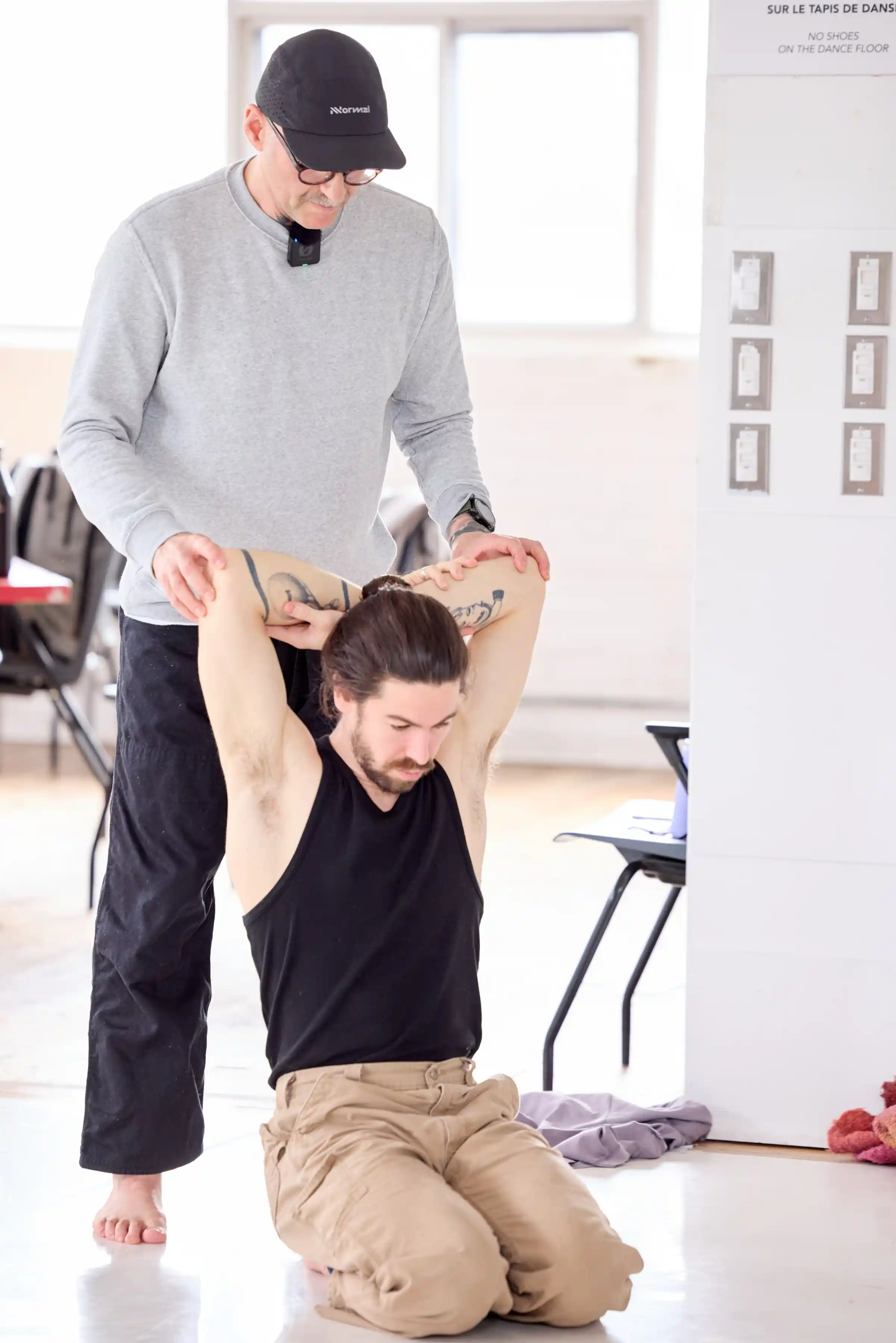When writing campaign copy in other markdown files, insert images inline:
You don’t need to memorize the syntax. You can drop a filename or URL anywhere in the text and ask Claude Code to format it correctly.
How Claude Code Uses This
Section titled “How Claude Code Uses This”- Reads media manifests to see all available images with descriptions, dimensions, and intended use
- Fetches and views images via their URLs to make visual judgments (e.g., which photo works best as a blog header)
- Searches across manifests to find images by description, campaign, or use case
- Browses NAS via SSH to discover available originals not yet indexed
- Inserts correctly formatted image references into campaign copy, blog posts, newsletters
Setup Steps (execute in a new session)
Section titled “Setup Steps (execute in a new session)”Step 1 — Create B2 bucket (Patrick, in Backblaze dashboard)
Section titled “Step 1 — Create B2 bucket (Patrick, in Backblaze dashboard)”- Log into
secure.backblaze.com - B2 Cloud Storage → Buckets → Create a Bucket
- Settings:
- Bucket name:
baseworks-media - Files in bucket: Public (Cloudflare needs to fetch files; access control happens at Cloudflare layer)
- Default encryption: enabled
- Object Lock: disabled
- Bucket name:
- Note the bucket endpoint:
s3.us-east-005.backblazeb2.com
Step 2 — Create application key (Patrick, in Backblaze dashboard)
Section titled “Step 2 — Create application key (Patrick, in Backblaze dashboard)”- App Keys → Add a New Application Key
- Settings:
- Name: Go ahead and generate those keys. Is there anything else in here I need to check off or fill out
- Allow access to:
baseworks-mediaonly - Type: Read and Write
- Copy both
keyIDandapplicationKeyimmediately (shown once only) - Share with Claude Code for CLI configuration
Step 3 — Configure B2 CLI on Mac (Claude Code)
Section titled “Step 3 — Configure B2 CLI on Mac (Claude Code)”Authorize the B2 CLI with the new key. Verify bucket access.
Step 4 — Set up Cloudflare CNAME (Patrick, in Cloudflare dashboard, guided by Claude Code)
Section titled “Step 4 — Set up Cloudflare CNAME (Patrick, in Cloudflare dashboard, guided by Claude Code)”- Cloudflare →
baseworks.comzone → DNS - Add CNAME record:
- Name:
media - Target:
f005.backblazeb2.com(B2 native download endpoint — NOT the S3 endpoint) - Proxy: ON (orange cloud — enables CDN caching + zero egress)
- Name:
- Add a Transform Rule (URL Rewrite) to prepend
/file/baseworks-mediato the path (B2 native endpoint requires this prefix; Cloudflare hides it so URLs stay clean) - Add a Modify Request Header rule (HTTP Request Late Transform) to set
Accept: */*formedia.baseworks.com— this prevents Cloudflare APO (WordPress optimization) from intercepting browser requests and returning 404s
Step 5 — Create folder structure (Claude Code)
Section titled “Step 5 — Create folder structure (Claude Code)”- B2: create initial folder layout (
campaigns/,blog-articles/,study-groups/,brand/,incoming/) - NAS: create matching structure at
/volume1/baseworks/media/
Step 6 — Create upload script (Claude Code)
Section titled “Step 6 — Create upload script (Claude Code)”Script at scripts/upload-media.sh:
- Takes a local folder path and a B2 destination path
- Uploads all files
- Prints resulting
media.baseworks.comURLs
Step 7 — Test end-to-end
Section titled “Step 7 — Test end-to-end”Upload a test image, verify URL works via media.baseworks.com, verify it renders in an Obsidian note, verify Claude Code can fetch and view it.
Step 8 — Migrate existing vault images
Section titled “Step 8 — Migrate existing vault images”- Upload current 125 image files (138 MB) to B2 at matching paths
- Create media manifests for existing campaigns
- Update markdown files to use
media.baseworks.comURLs - Add image extensions to
.gitignore(exceptsite/directory assets like logos) - Remove binary image files from vault working tree
- (Optional, later) Clean git history with BFG to reclaim ~100 MB
Step 9 — Update workflows and documentation
Section titled “Step 9 — Update workflows and documentation”- Update
/compress-photosskill: add optional B2 upload + JPEG output - Update
/create-campaignskill: generate media manifests instead of asset folders - Update campaign creation guidelines
- Update
CLAUDE.mdwith media handling rules - Create
/upload-mediaskill for the full workflow
Existing Vault Images to Migrate
Section titled “Existing Vault Images to Migrate”Found during planning (2026-03-27):
| Location | Count | Size | Notes |
|---|---|---|---|
02-areas/.../2026-03-winter-study-group-recap-assets/ | ~50 | 127 MB | WebPs, JPEGs, PNGs (campaign photos + primer prints) |
03-resources/visuals/ | 3 | ~2 MB | Meta ads, primer visualizer, infographic |
00-inbox/attachments/ | 3 | ~1 MB | Facebook post screenshots |
assets/ (vault root) | 5 | 2.3 MB | Proprioception article diagrams |
Downloads/slides_exported/ | 13 | ~5 MB | Exported slide JPEGs |
_static/ | 2 | <1 MB | Logo dark/light PNGs |
site/src/assets/ | 3 | <1 MB | Site logos (keep in git — needed for build) |
| Scattered root | 1 | <1 MB | yogajaya WebP |
Cost Estimate
Section titled “Cost Estimate”| Item | Monthly Cost |
|---|---|
| B2 storage (first 10 GB) | Free |
| B2 storage (10-50 GB) | ~$0.24 |
| B2 storage (50-100 GB) | ~$0.54 |
| B2 egress via Cloudflare | $0 (Bandwidth Alliance) |
| B2 API calls (Class B reads, 100K/month) | ~$0.04 |
| NAS | $0 (owned) |
| Cloudflare CDN | $0 (free plan) |
| Total at 100 GB | ~$0.58/month |
What This Solves
Section titled “What This Solves”- No more KB site build failures from missing images
- No git bloat — binary files never enter the repo again
- Drop-and-go workflow: NAS → upload script → predictable URLs
- Claude Code can browse, view, and curate the media library
- Same URL works in Obsidian, KB site, email, social, baseworks.com
- Images served globally via Cloudflare CDN, independent of NAS uptime
- Private by default — nothing exposed until intentionally published
- Andrew keeps using Google Drive for handoff (no workflow change for him)